Quick Navigation
What Veo 3.1 Actually Is
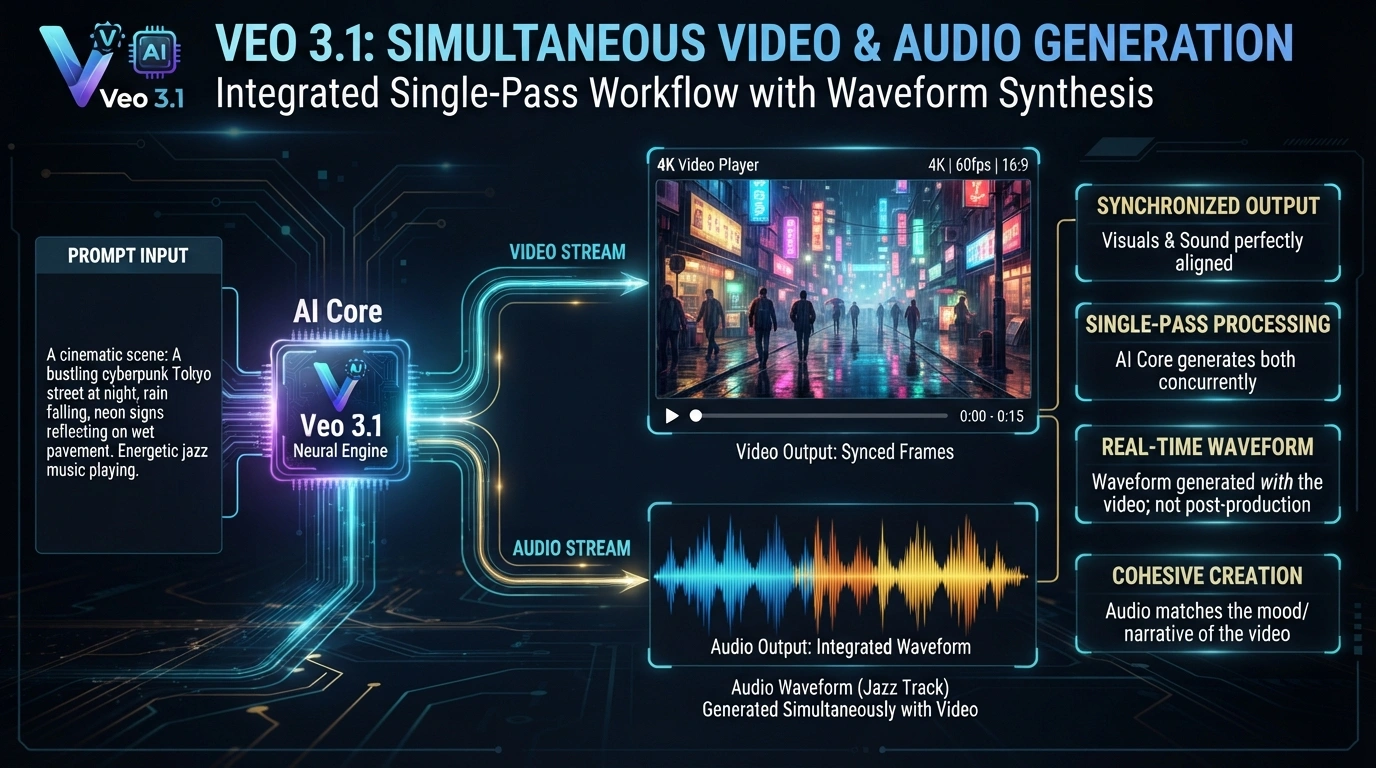
Veo 3.1 is Google DeepMind’s video generation model, released on October 15, 2025, and updated in January 2026 with vertical output, 4K upscaling, and stronger reference-image consistency[reference:0][reference:1]. It turns a text prompt or an image into a clip of 4, 6, or 8 seconds with audio generated simultaneously — dialogue, environmental sound effects, and ambient beds in one render[reference:2].
The practical difference between Veo 3.1 and earlier Veo versions is not “better pictures.” It is that audio is no longer a separate post-production problem. Every tier of the Veo 3.1 family — Standard, Fast, and Lite — supports native audio generation[reference:3]. For a working producer, that changes the cost calculation: you are no longer budgeting a sync pass for every dialogue shot.
How the Model Fits Into a Production Stack
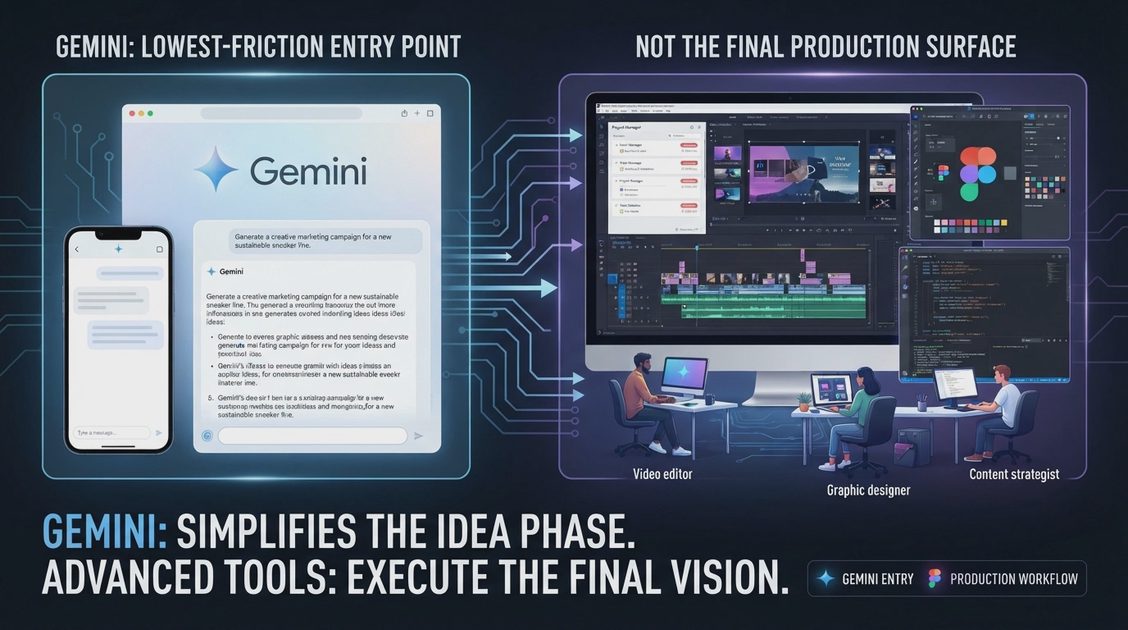
Veo 3.1 sits inside four surfaces: the Gemini app for conversational testing, Google Flow for structured multi-shot work, the Gemini API for programmatic generation, and Vertex AI for enterprise workflows with IAM and Cloud Storage[reference:4]. The model itself is the same; what changes is how much control you have over references, editing, and billing.
The Three Tiers and What They Change
Tier | What It Is For | Resolution Support |
|---|---|---|
Veo 3.1 Standard | Final delivery shots where visual fidelity matters most | 720p, 1080p, 4K |
Veo 3.1 Fast | Iteration and standard production workflows | 720p, 1080p, 4K |
Veo 3.1 Lite | High-volume, cost-sensitive generation | 720p, 1080p (no 4K) |
Lite does not support 4K, and it does not support reference images[reference:5]. If your shot depends on keeping a face or product consistent, Lite is the wrong tier regardless of price.
Native Audio: The Structural Shift
Veo 3.1 generates dialogue with lip-sync at 48kHz, environmental sound effects inferred from the scene, and background music in the same diffusion pass as the picture[reference:6]. Creator reports put the old assembly cost at 30–50 minutes per clip requiring synced dialogue; a ten-clip project could lose four to eight hours to audio work that Veo 3.1 now handles inside the render[reference:7].
What you give up is mix control. You can direct the content and language of dialogue through the prompt, but not exact voice tone, musical arrangement, or precise levels between dialogue, effects, and music[reference:8]. For brand-facing work, most teams still strip the generated audio and rebuild the mix.
Where Veo 3.1 Still Stops
Clip length is the first wall. Standard output is 4–8 seconds per generation; Scene Extension can chain 7-second increments, but extended scenes may drift, and continuity checks are not optional[reference:9][reference:10]. Character consistency through reference images helps, but it is guidance, not a pixel-level guarantee[reference:11]. And every generated clip carries an invisible SynthID watermark that survives re-encoding[reference:12].
FAQ
Is Veo 3.1 free to use?
No. API access is billed per second. Flow uses credits, and the Gemini app requires a qualifying AI plan[reference:13]. Free credit grants exist on some platforms, but they are not a production budget.
Does Veo 3.1 replace an editor or sound designer?
No. It removes the assembly pass for synced dialogue, but mix decisions, brand-voice approval, and continuity repair still require human work[reference:14].
Can Veo 3.1 generate vertical video natively?
Yes, as of the January 2026 update. Native 9:16 output is available in supported workflows, including Ingredients to Video[reference:15].
For AI tool features, rules and availability, refer to their official sites.
Leave your thoughts here, too.